Does the admin of bookkeeping feel like a millstone around your neck? A business hindrance rather than help? If so, then you may be doing it all wrong! In this blog we will be discussing Xero tips to help bookkeeping.

Busy business owners quickly fall into the trap of chasing their tails trying to find and upload
information in order to report it. If this sounds like you then you need to start using Xero to RUN
your business NOT report it.
Here Are 10 Tips From The GreenStones Bookkeepers
- Raise sales invoices directly in Xero and send from Xero – then they can be tracked and easily reconciled when paid. You can even see that they have been opened by your customer.
- Load all purchase invoices when you receive them via either Hubdoc or AutoEntry – don’t wait until they have been paid. Both these have phone apps – make sure to download and activate so you can take photos of your receipts on the go! You can even ask regular suppliers to send all invoices digitally straight to your software. That way it’s all automated and saves time and missing records – ask us how if you are unsure how best to do this.
- Put time in the diary every week at a set time and day that suits your schedule to log into Xero, look at the bank feeds and update sales invoices and submit bills.
- Don’t waste your time uploading useless information – card receipts, order forms, pro-forma invoices, delivery notes and covering emails are not HMRC submissible documents and take time to sift through and delete. Make sure you get a VAT receipt or invoice with every purchase and upload only these.

- Use Xero Bills Awaiting Payment to manage your creditors. Use the search function to filter by supplier and calculate how much to pay them. A supplier statement can be used to check everything is in Xero correctly. This way you can be sure what you are paying is already in Xero. If you aren’t sure, ask us and one of our team can help.
- If you use a bookkeeper, make sure you have regular contact and let them know of any changes, or information on a weekly basis. Chunking up the tasks and doing a bit each week stops all the information on Xero from getting out of date (this is where the tail chasing starts) and prevents a big workload for you and your team at month or quarter end.
- Schedule in regular time at the end of every VAT quarter (in line with your bookkeepers deadlines) to gather any missing information. Late submitted records cause unnecessary stress and can result in missed information which may impact your VAT return.
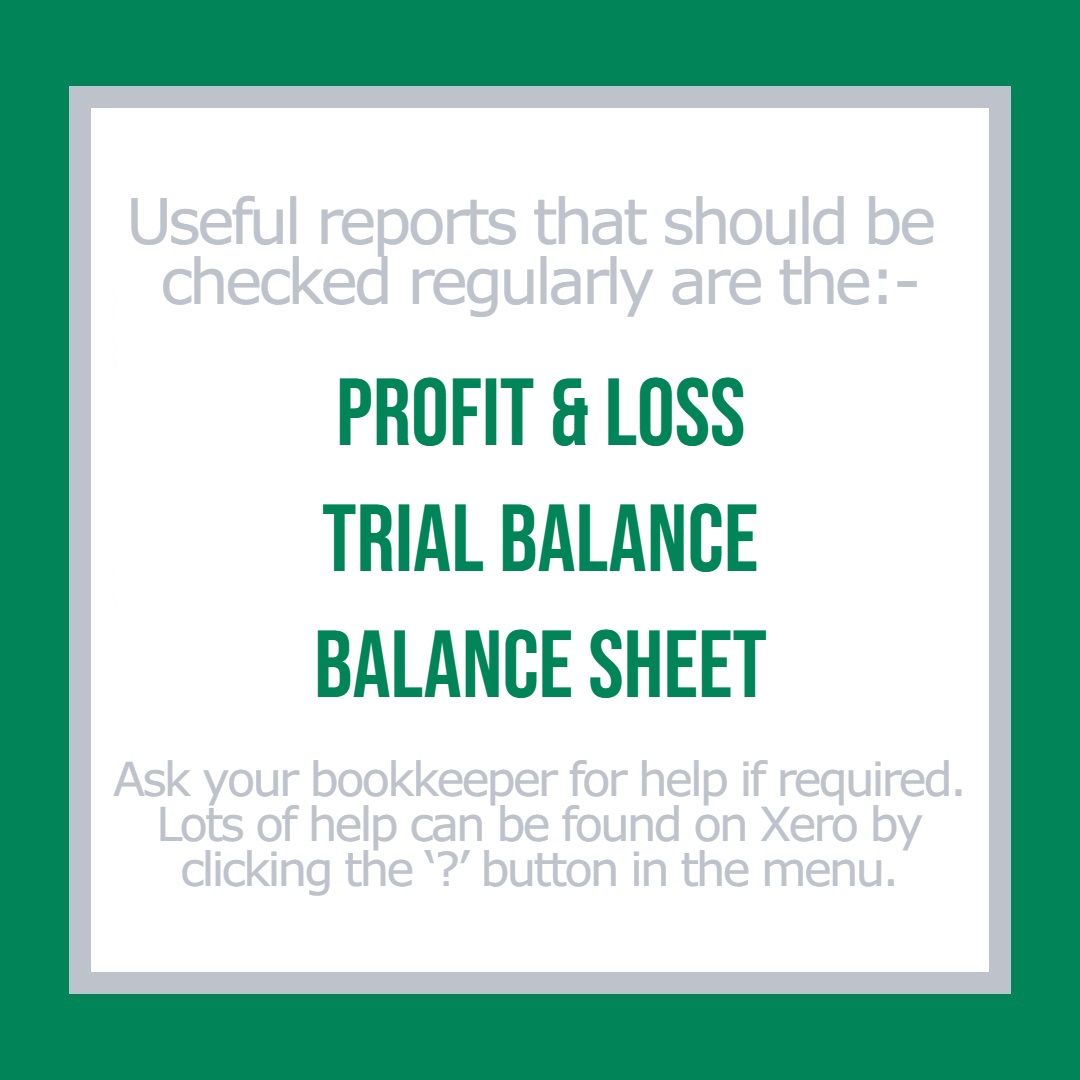
- Learn how to look at your business performance using the reports in the Accounting Menu.
- If you are VAT registered, learn how to look at your VAT liability in Xero. Remember this only works accurately if the banks have been reconciled. Open a separate bank account just for VAT, make regular deposits so when the VAT needs to be paid, the funds are available and separated from your day-to-day bank account.
- Automate as much as possible. Use phone apps for receipt submission, set up repeating bills and invoices, link supplier portals and share access with your bookkeeper. Use the Xero to Xero network for suppliers and customers who also use Xero. If you aren’t sure what would work best for you, ask our team!
To find more information about how Xero can help your business grow please contact our bookkeeping team by calling our office on 01733 371180.
You can find out more about our GreenStones bookkeeping team here: